
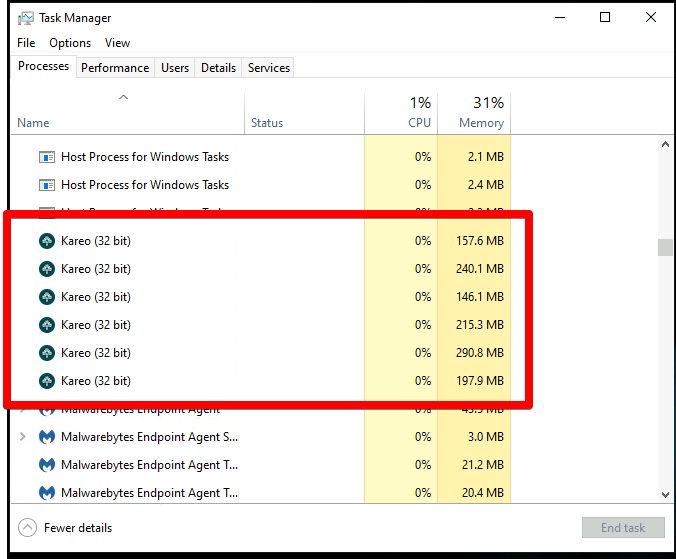
- Connect to the administrator desktop, close all Kareo processes in Task Manager. If the processes are closed from the admin it will be closed for all the users as well.
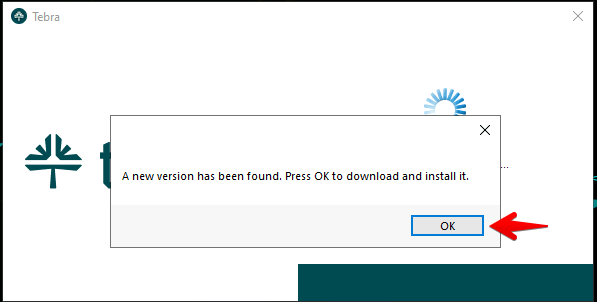
- Open Tebra and proceed with the update, a reboot is not required.
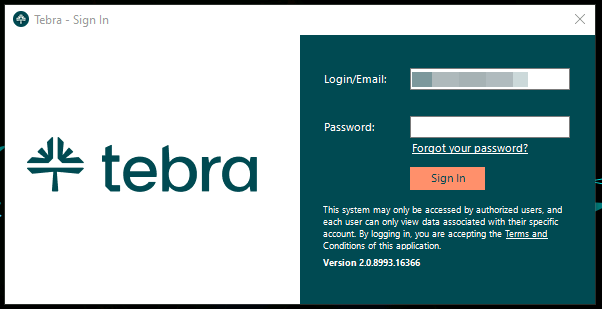
- After the update has completed you should see this window appear, if not restart Tebra and check again.
Since the new update of Tebra creates the folder in a different location, you will need to give access to all users.
Since the new release tebra will install on the admin profile account, the file location will be C:\Users\Administrator\AppData\Local\Tebra\Client
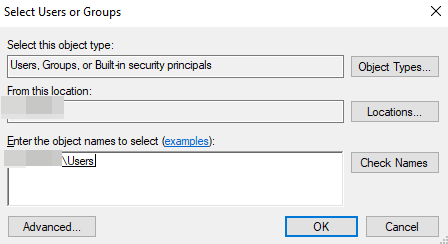
There are 2 solutions, one is installing Tebra on all users individually, or right click on the Client folder>properties>security>edit>add>in the “enter the object names to select” type users and then check names and select ok.
Then for the second step, copy the shortcut on the admin desktop (the tebra icon) and paste the shortcut in folder location: C:\Users\Public\Desktop
This will then give all users a shortcut to the application and they will have access to Tebra.