1. Go to the Admin session.
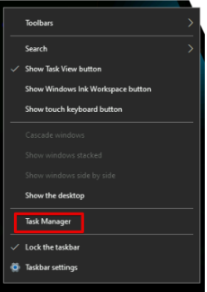
2. Open Task Manager right clicking the Taskbar
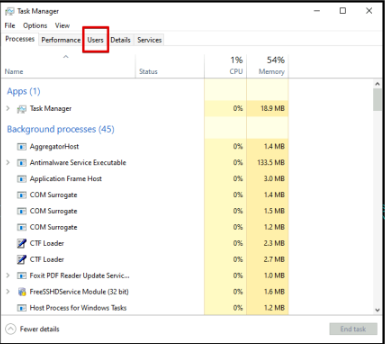
3. Go to the ‘User’s tab and Locate the user that you want to Sign Out from their session.
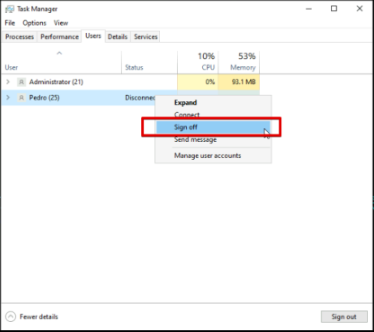
4. Right click the user and click on Sign Off
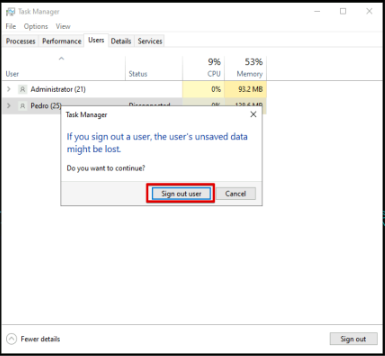
5. A pop up will appear and click on Sign out user.