
- Login to your dashboard and head to the security tab and select the required 2FA/MFA
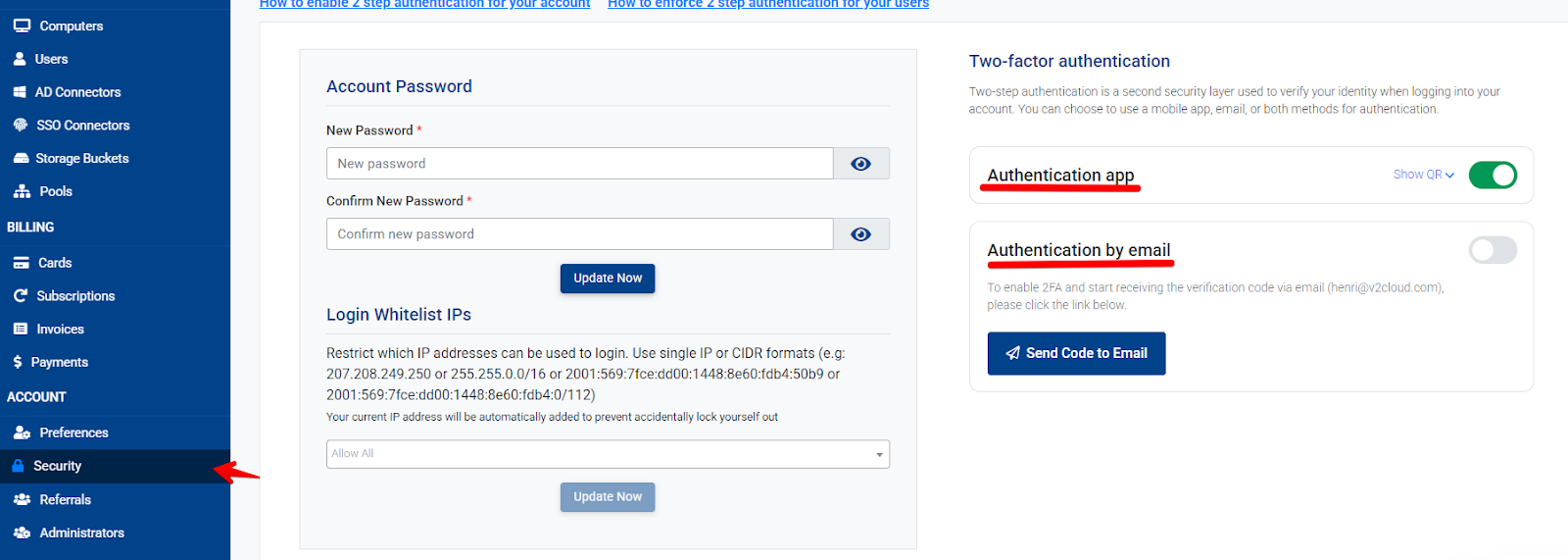
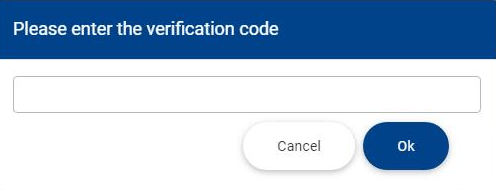
- If email is selected you will receive a verification code via email, enter the code in the field box
- If you select Authentication app (Microsoft authenticator, google authenticator) a QR code will popup that needs to be scanned.
Reference Tags: mfa, 2fa