To limit the session time for the users go to:
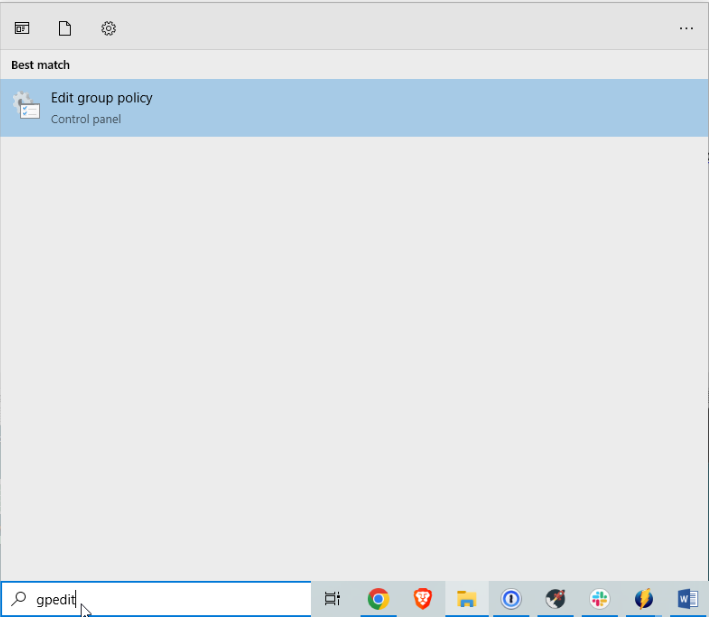
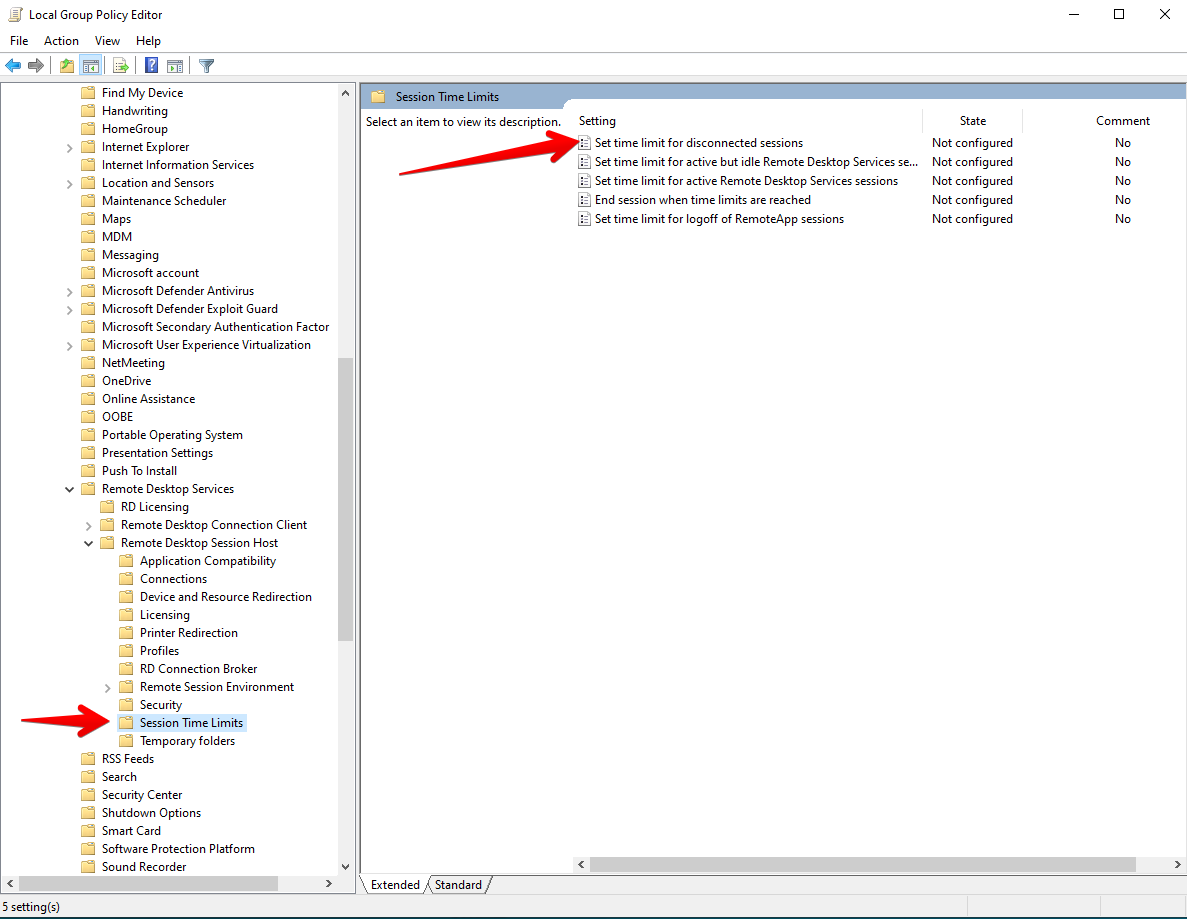
On the Local Group Policy Editor, go to:
Computer Configuration -> Administrative Templates -> Windows components -> Remote Desktop Services -> Remote Desktop Session Host -> Session Time Limits
Then double click Set time limit for disconnected sessions
Click Enabled, select appropriate time from the dropdown menu and click OK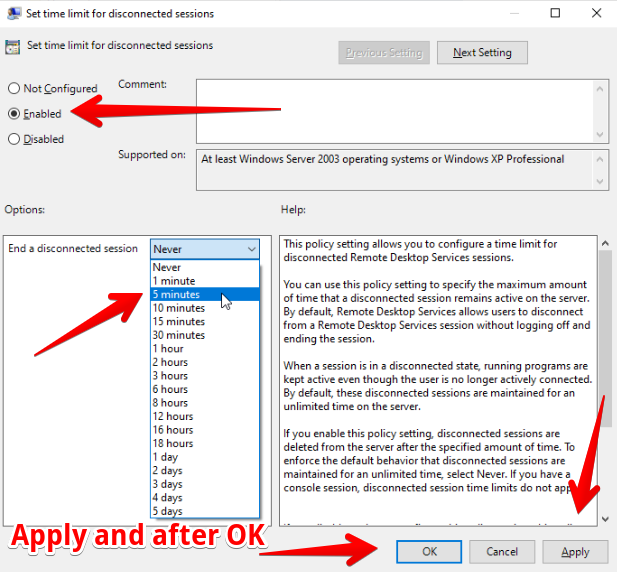
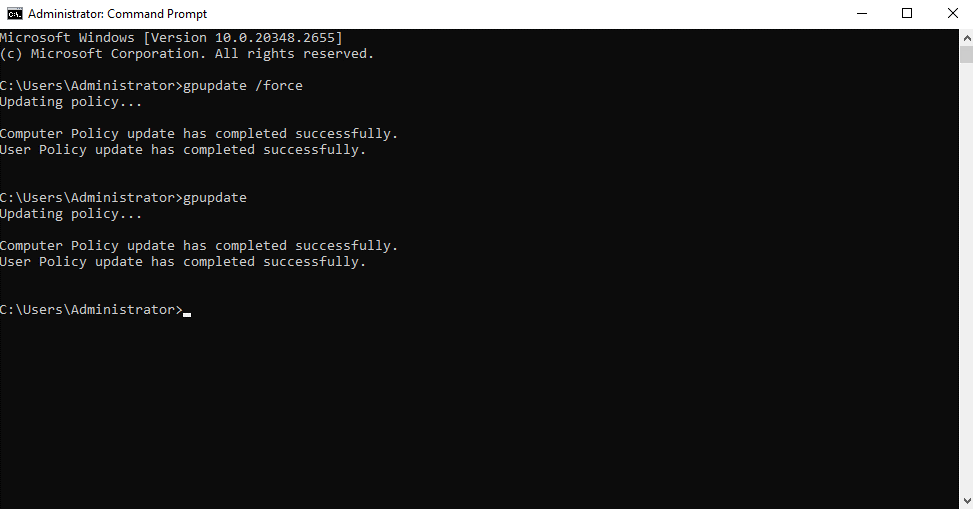
Do a policy update in CMD
gpupdate
gpupdate /force