
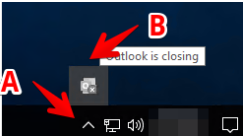
1. Go to the bottom right on your system tray (Next to Time & Date), then click on
the up arrow (A). Then take a look for outlook, if the icon is gray then it might be
closing (B)
2. Now you will need to close outlook on task manager
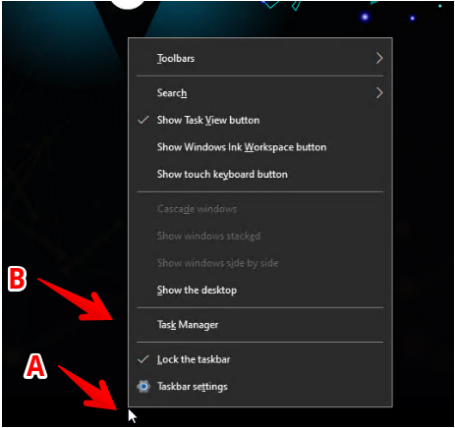
3. Right click on taskbar (A) then go to task manager (B)
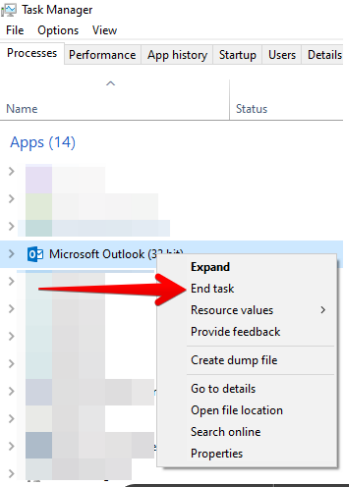
4. Search for outlook, right click on outlook then end task
5. Open outlook again by double clicking the icon.