
- When logging into office the following security request will pop up
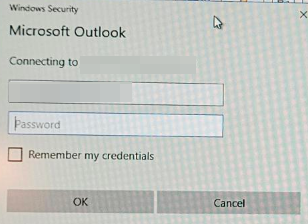
- If this occurs please open regedit.
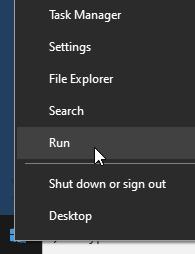
- To do this right click on the windows icon and select run.
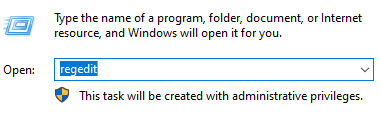
- Type regedit
- Navigate to this location: HKEY_CURRENT_USER\Software\Microsoft\Office\16.0\Common\Identity
- Once there edit the following registries to a value of 1 "Version"=dword:00000001
"EnableADAL"=dword:00000001
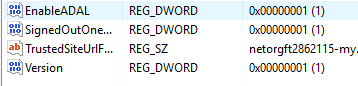
Once this has been completed the credential request should no longer pop up.