
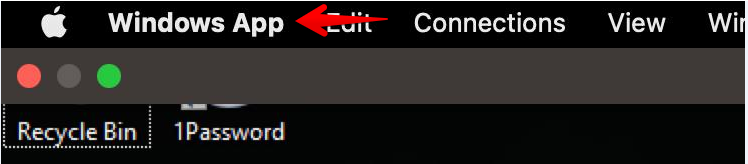
1. Connect to the cloud computer and click on Windows App in the top left corner and select settings.
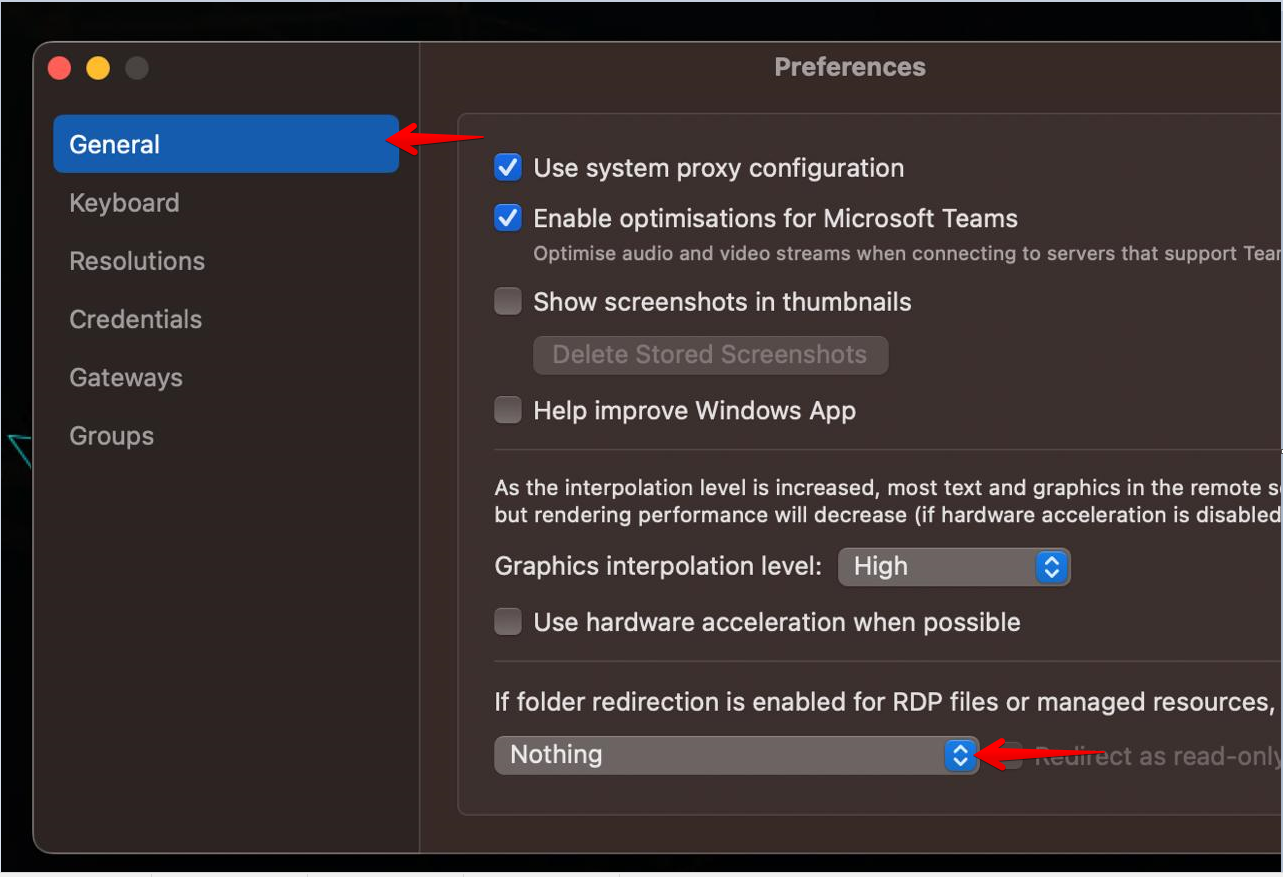
2. On the General tab click on “Nothing” and select choose folders
3. Select the folder you wish to redirect, preferably the root user folder and click on choose
4. Close the cloud computer connection and connect again