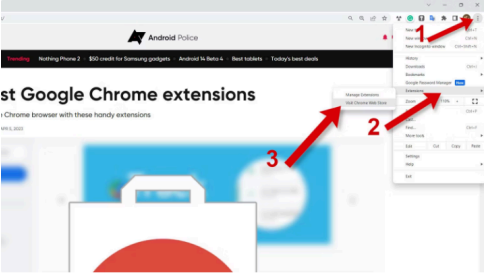
1. On Google click on the three dots top right corner, click on Extensions and Visit Chrome
Web Store.
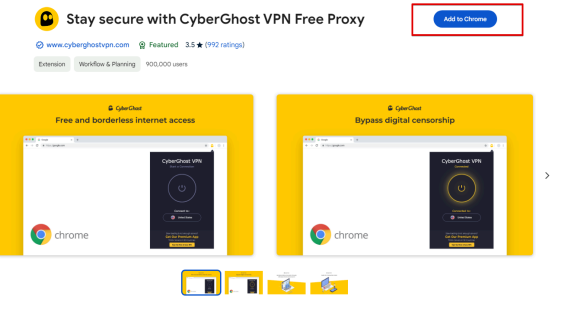
2. Search for CyberGhost VPN and add it to Chrome.
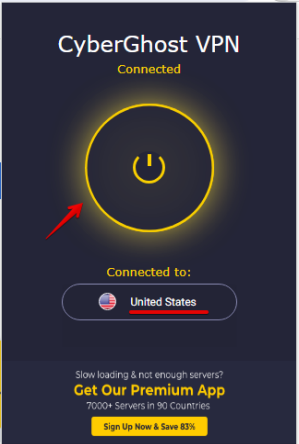
3. Click on the Power on button and set the location to the United States.

1. On Google click on the three dots top right corner, click on Extensions and Visit Chrome
Web Store.
2. Search for CyberGhost VPN and add it to Chrome.
3. Click on the Power on button and set the location to the United States.