
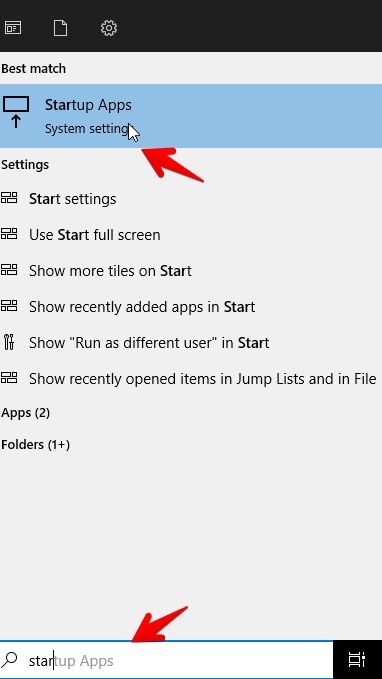
- In the windows searchbar, search for “Startup apps”
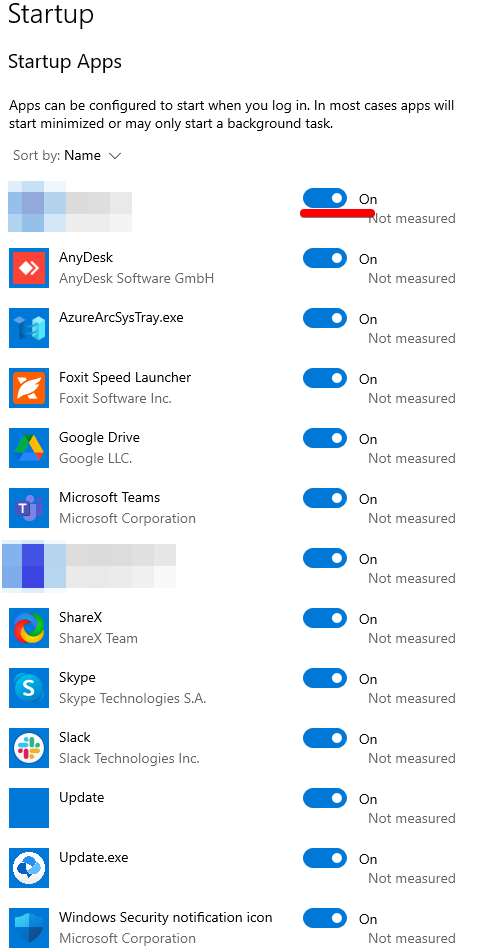
- You will then be redirected to all startup applications, here you can click on the on/off switch, the app will then no longer open when you login
Keywords: too many startup apps, apps opening when I startup.