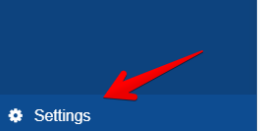
1. In the v2cloud application go to the settings bottom left
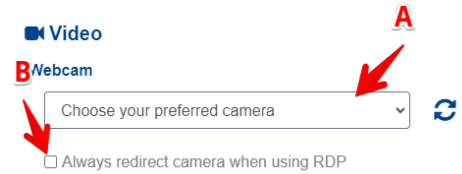
2. Choose the correct camera to redirect (A), then click the option “Always redirect
camera when using RDP”
3. Once done close the settings (top right x) then connect to the cloud computer
again.
4. You will notice a popup “redirecting camera may take up to 2 minutes”
5. Then go to this website to test the camera: https://webcamtests.com/check
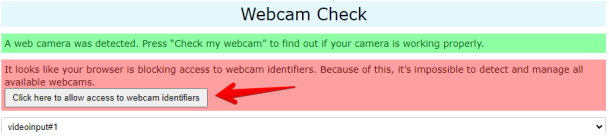
6. Click on allow access
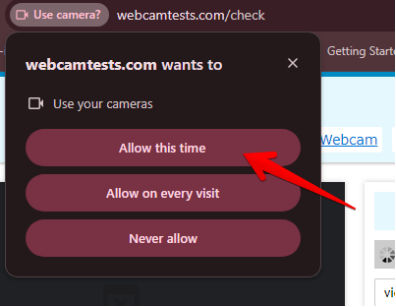
7. Then another popup will appear and click on allow this time