
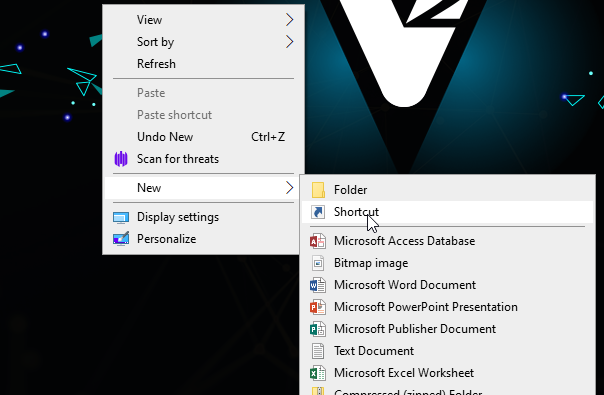
- Right click on the desktop, select new and select shortcut.
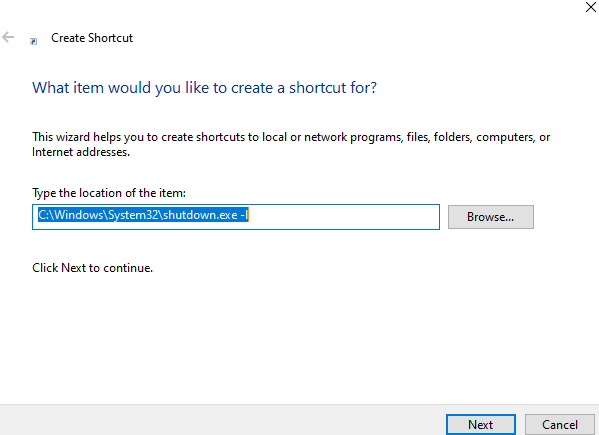
- Paste this C:\Windows\System32\shutdown.exe -l in the “type the location of the item” field
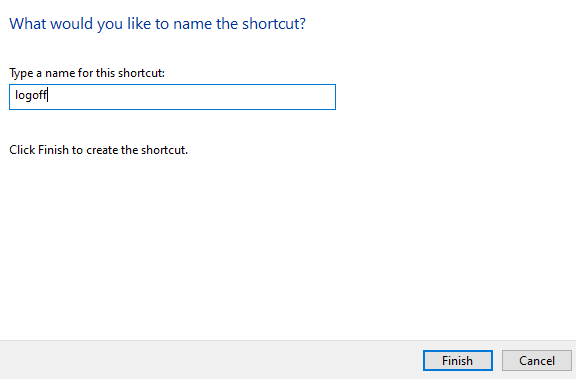
- Click next, now give the shortcut a name then press finish
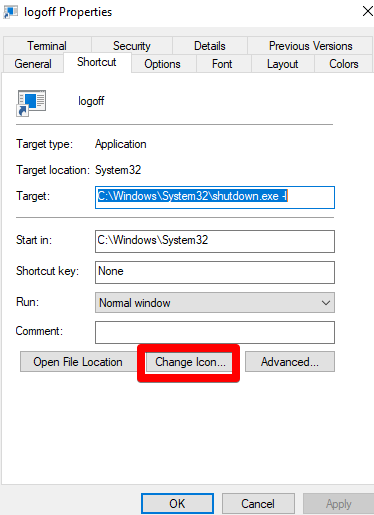
- If you would like to give the shortcut an icon, right click on the shortcut and select properties.
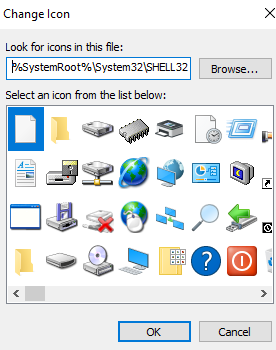
- A new screen will appear,click on change icon. If an alert pops up press OK.
- Now select and Icon and press OK, then on the next screen click apply
Tags: Logoff icon, logoff shortcut