
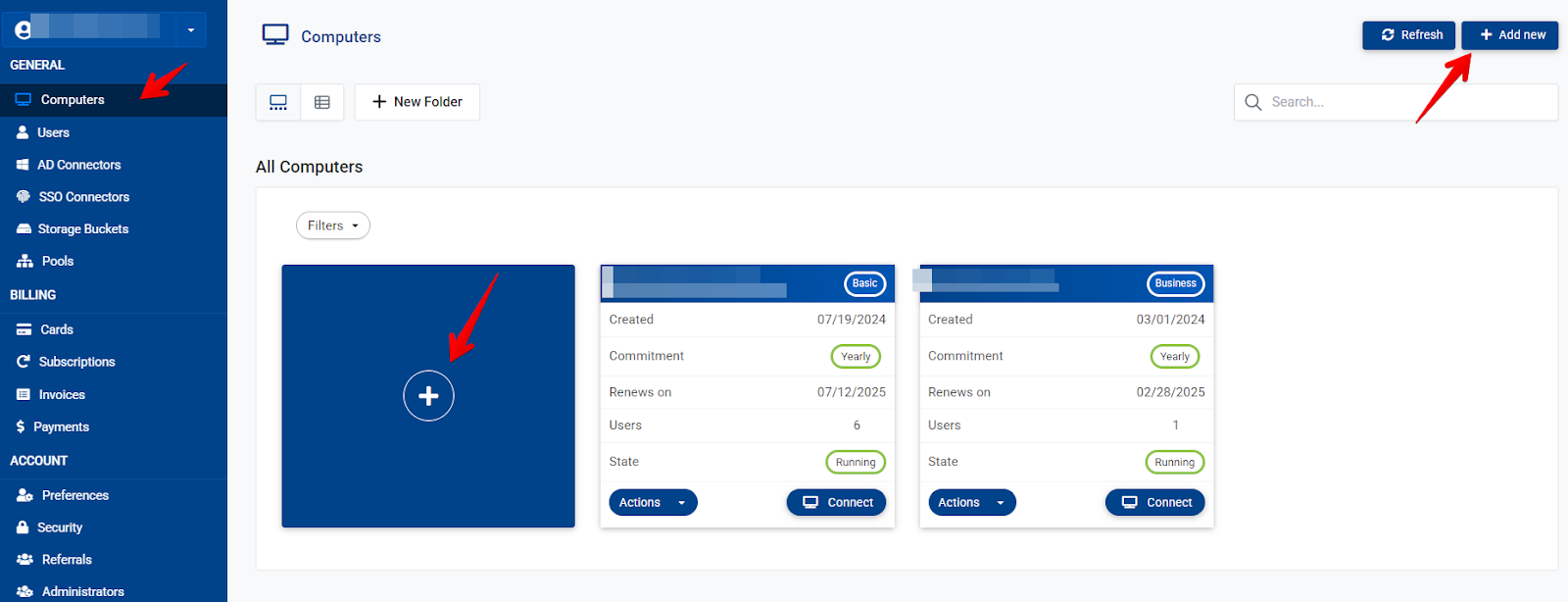
- To create a cloud computer go to your dashboard (dash.v2cloud.com)
- Click on computers, here you can click on the add new at the top right or on the big + icon
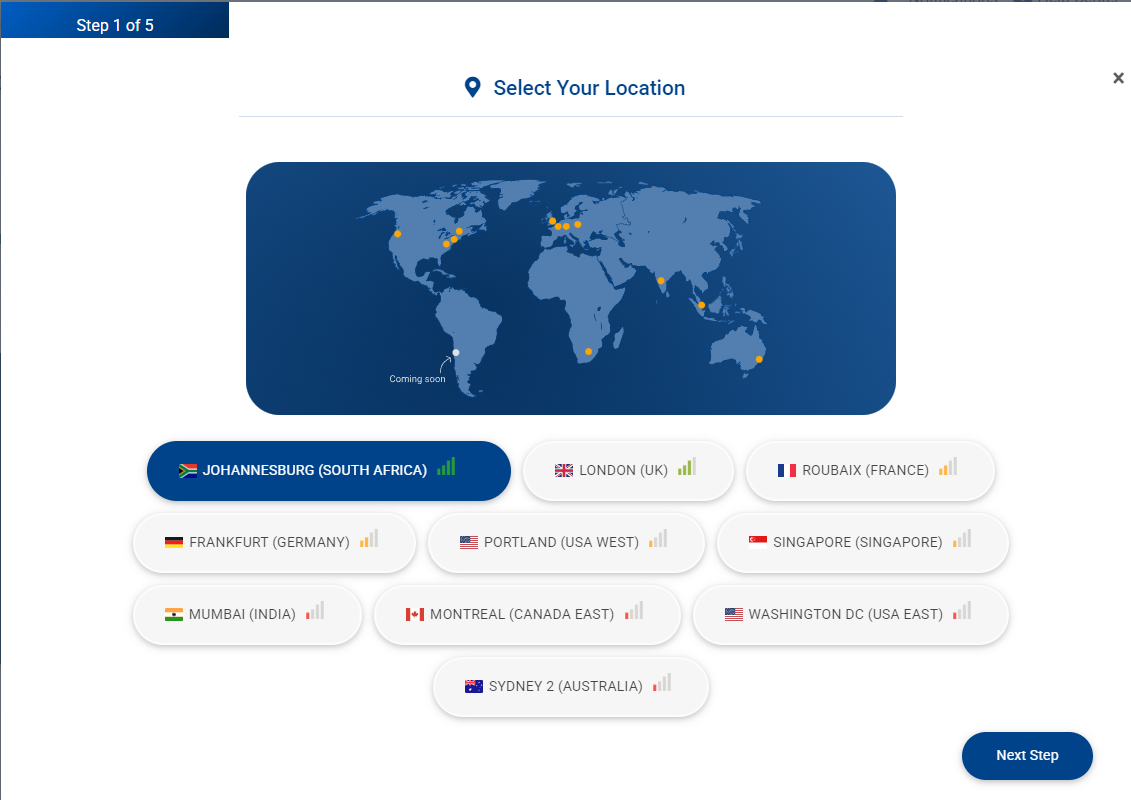
- You will then be prompted to choose a location (The signal bars green, yellow, red indicate the latency) chose the required location
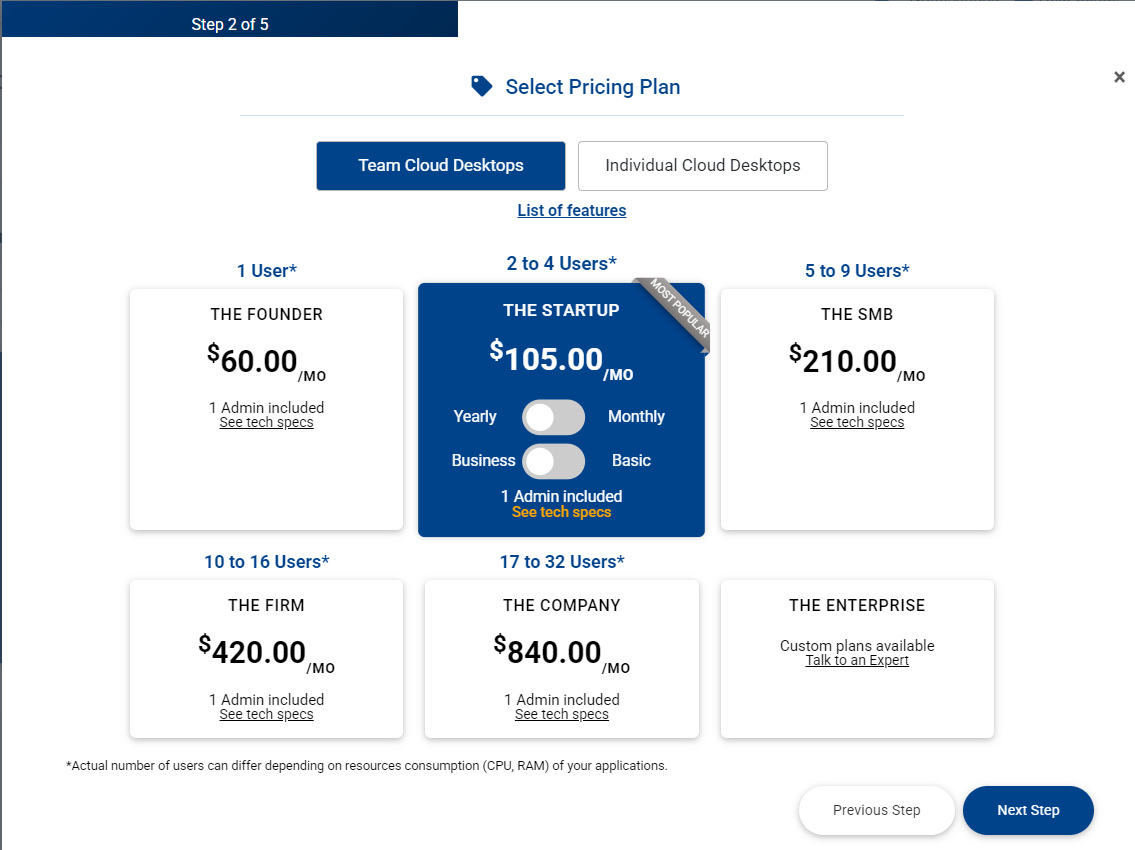
- Next you will be prompted to select the type of cloud computer you would like to build (CPU and RAM can be upgrade or downgraded later if required)
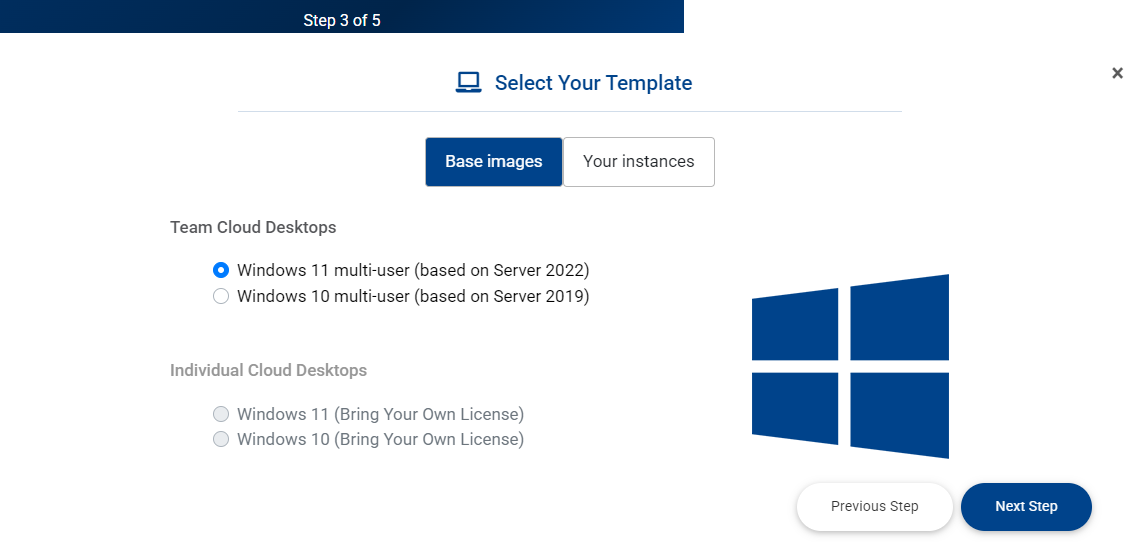
- Now you can select which type of windows you would like.
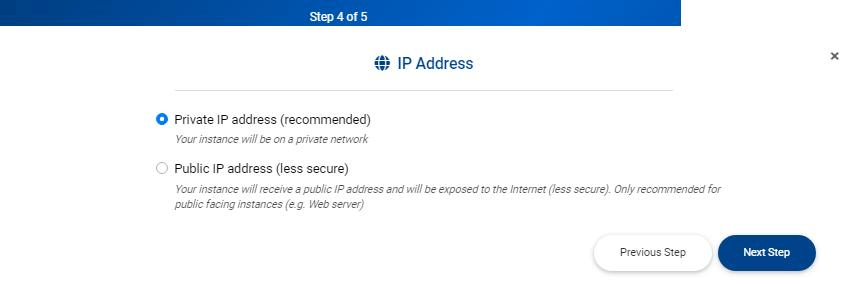
- Next you can choose between a Private or Public IP address
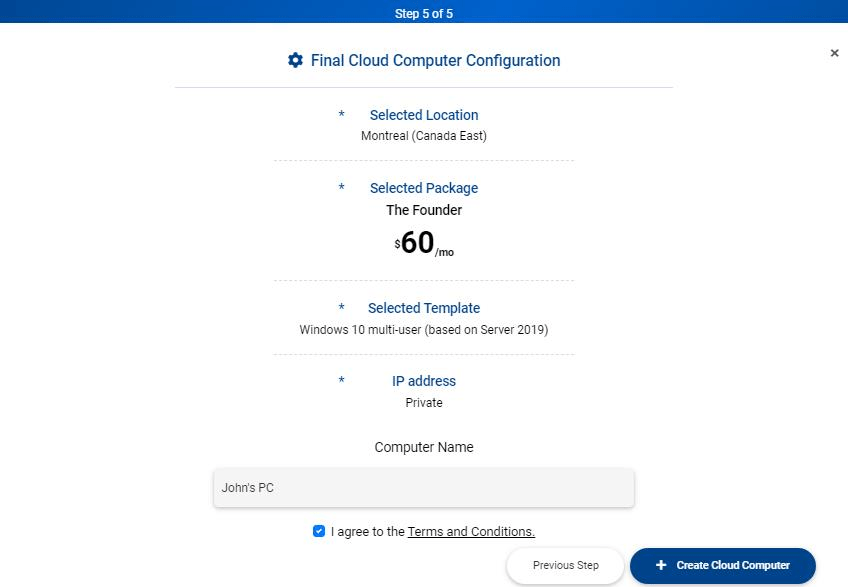
- Final Step, you can name your cloud computer and confirm the configuration
Keywords: Create VM, Create VDI, Create computer, Create cloud computer